
Mobile App
Interactive Design
App Design and Development
Air Gestures
Ux/UI Design
Flinto, Sketch, C4D
After Effects, Illustrator


Research has shown that 360 million people suffer from disabling hearing loss. This includes people that are considered deaf (a spectrum of people from 100% hearing impairment with hearing loss of 140 decibels and up) to mild hard of hearing (hearing loss of 20 decibels). There is currently no way for these people to experience music as easily as the average person.

The objective of this brief was to create a mobile app for Apple, to allow deaf individuals to listen to music in a new, innovative way. The brief was to develop and produce thorough mobile User Interface (UI) designs that enhance the User Experience (UX). The digital campaign needed to consist of 1 x campaign concept theme and logo which does not deter from the main company brand identity; 1 x mobile application prototype, consumer experience touch-points and a 2-minute case study motion graphic to explain the full extent of the campaign and concept.

360 million people across the world suffer from disabling hearing loss. Research has shown that hearing impaired people hear music by feeling the vibrations of the sound. Intuit is an app like no other as it is dedicated to enabling these individuals to listen to music without missing a beat. With the use of innovative technology, Intuit learns to compensate for the unheard frequencies in music with vibrations that are transferred via Bluetooth to trendy, ultra-thin, sleek Apple headphones, the Airpod Pulse.
By making the headphones and user interface modern and attractive to anyone, the app aims to connect hearing impaired individuals with their friends and family through shared enjoyment of the same piece of music. Appleâs TrueDepth camera system combined with the secondary camera, enables the listener to use new Air Gesture technology to control their listening experience. This revolutionary control mechanism challenges the conventional use of an app, giving hearing impaired individuals the ability to experience music to a whole new level through advanced interactions, while simultaneously being able to complete their day to day tasks without the need to touch their device.

The Primary Target Audience: Humans that are considered deaf (a spectrum of people from 100% hearing impairment with a hearing loss of 140 decibels and up) to mild hard of hearing (hearing loss of 20 decibels). Intuit targets a similar target audience to what the iPod targeted as it is in the same age range. This app is more geared to teens and young adults that enjoy music, âcoolâ products, gaming, and cutting-edge technology as they adopt to this technology quickly.
The Secondary Target Audience: This wouldS be family and friends of the deaf/hard of hearing people. Intuit provides a platform for these friends and family to connect with the deaf/hard of hearing person in a new, innovative way.

The chosen colours vary on each screen, as well as being customisable to the user's preferances.

Helvetica was selected for this mobile application due to its clean characteristic that compliments Apple's modern, clean look and feel.

Airpod Pulse
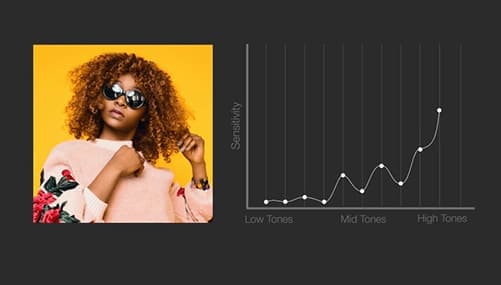
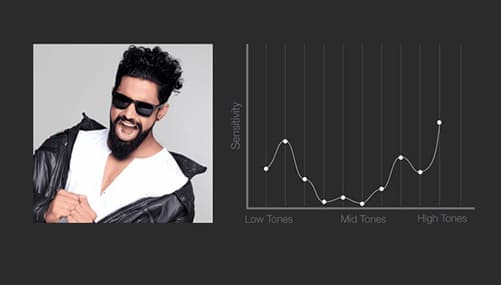
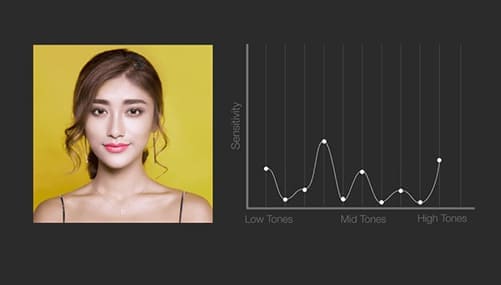
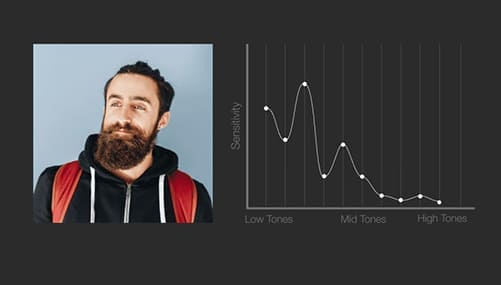
The Intuit app is the first app to allow deaf and hard of hearing users to listen and enjoy music. Upon setup, Intuit will wirelesssly connect with Appleâs innovative headset, Airpod Pulse. Airpod Pulse will automatically play a range of tones into the ear, and measure the resulting faint sound generated by the ear in response to these tones called the Otoacoustic Emission (OAE).
The returning sound contains information about how well the user heard the sounds generated from the Airpod Pulse Headset. The Airpod Pulse uses an extremely sensitive microphone to detect this returning sound wave. With this received data, as well as the data from the two proceeding user tests (auditory and vibratory), Intuit creates a unique and personalised hearing profile for the user. The hearing profile allows for Intuit to mould the music to match the userâs hearing system and to generate vibratations to compensate for unheard sounds. The vibrations are delivered through the band of the headphones which is worn around the neck (the most sensitive area) allowing the user to have a full and detailed experience of their music.
Air Gestures
To allow for the ultimate immersive experience, Intuit makes use of air gestures. Intuitâs new Air Gesture technology makes use of Appleâs TrueDepth camera system combined with the secondary camera in order to track the movement of the userâs hand motions and allow for the user to interact with the app in a 3D space. The gestures include pinch and rotate (Air Interact), swipe up/down/left/right (Air Browse), hover and hold (Air Jump) and bloom (Air Zoom). This revolutionary control mechanism challenges the conventional use of an app, giving hearing impaired individuals the ability to experience music to a whole new level through advanced interactions, while simultaneously being able to complete their day to day tasks without the need to touch their device.
Air Interact
The user brings his/her fingers together to pinch the shape and then proceeds to rotate the shape to view more facets of the shape etc.
Air Browse
The user swipes his/her hand over the screen to to navigate up, down, left or right.
Air Bloom
The user flattens his/her hands out to zoom out and bring them together to zoom in into the app.
Air Jump
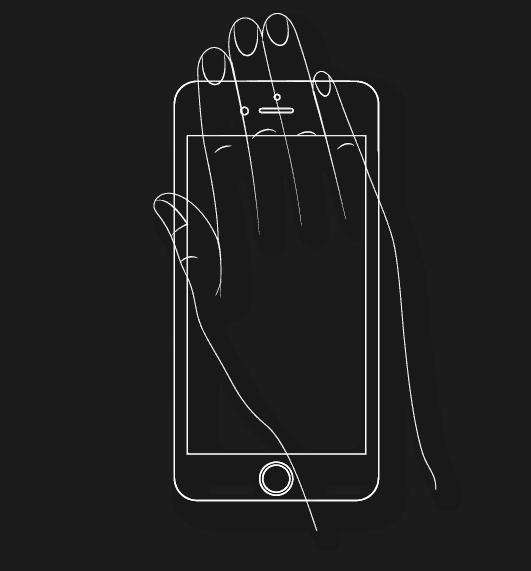
The user holds his/her hand over the camera and holds for 2 seconds. This will automatically jump the user to the main screen.
Sign Language
Intuit is adapted to be able to recognise basic sign language such as play, stop/pause, next, previous, increase and lastly decrease volume/ vibrations. Intuit can detect these gestures up to 2m away, allowing for the user to place their phone anywhere in the room, freeing up their hands to cook, write, clean etc. while still remaining in complete control. These sign language gestures are recorded upon set up and can be single handed or with 2 hands. To catch Intuit's attention, both hands need to be in the phone's field of view for 1 second. The screen will light up when it recognises the action and then the user will proceed with the command action.

Play The Music

Next Song

Decrease Volume

Stop The Music

Previous Song

Increase Volume
Initial Start Up
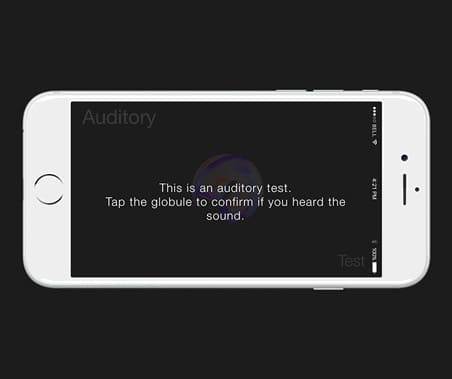
The app begins with the Startup Process where the user signs up or logs into their Apple account. Intuit will automatically connect with Airpod Pulse and proceed with the three phase test (the initial, the auditory and lastly the vibratory test) in order to generate the unique user hearing profile. During the auditory and vibratory tests, the user will tap the centered circular blob to confirm he/she heard the sound/felt the vibration. The circular blob will grow as a response to the tap until it completely engulfs the screen to indicate the end of the test. The user has the ability to retake the testing session at any time. This option can be accessed in the settings screen.
The control process of the app is the conventional tap and swipe etc. until the user's unique hearing profile is generated. The user will then proceed to the air gesture/app tutorial.
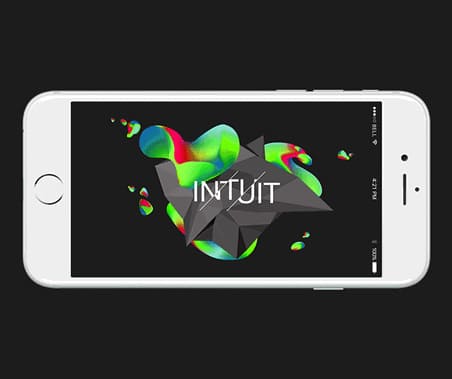
Home Screen For Intuit
The home screen consists of 3d interactive shapes that are customisable to the user's personal taste and desire in settings. The user has the ability to access the search screen and the menu screen from this point.
The user has the ability to move and rotate these shapes and globules throughout the app by using the air gesture, Air Interact, where the user "pinches" the shape and rotates his/her hand to rotate the shape. The app will respond to this gesture by making the shapes smaller when pinched. To return to this home screen at any point in the app, the user simply uses the Air Jump gesture by covering the camera with the hand and holding for 2 seconds.
Search Screen
The search screen allows the user to search for a specific artist, album or song in their collection in a new innovative way.
The user will use the Air Bloom gesture in order to zoom into the shape and access the search function. The user will proceed to write the search term in the air and the relevant songs/artists/albums will appear on the facets of the shape. The user can then use 3D Touch to quickly access information about those songs/albums/artists on the facets of the shape.
Album/Artist/Song Screen
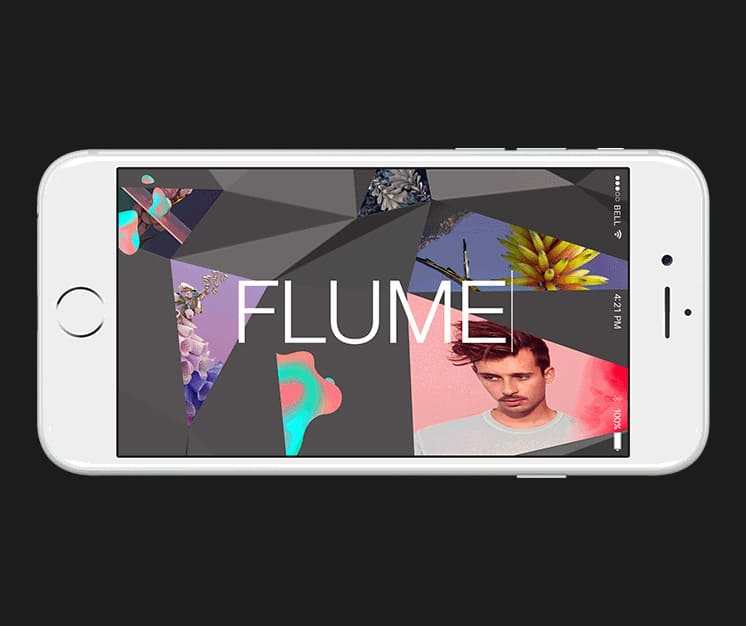
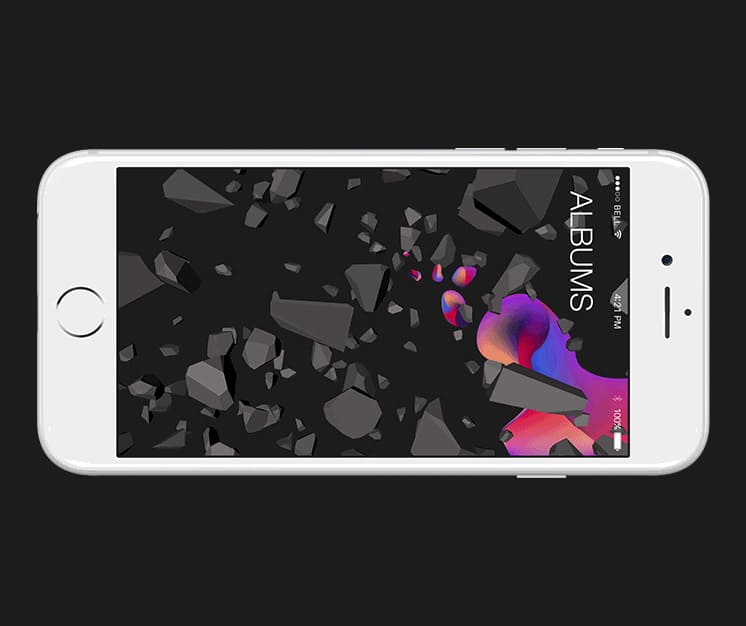
The Album, Artist and Song screen all work in the same manner where they are sorted alphabetically and mapped onto the facets of the shape. The user's favourite albums/songs/artists are mapped on the front facing facets, while the less enjoyed albums/song/artists are mapped onto the back of the shape.
The user can access the rest of the songs/albums/artists by using the Air Interact gesture and pinch and rotate the shape to see the back. Air Browse is used to view the next/previous letter in the alphabet. In order to jump to a specific letter, the user just writes it in the air. 3D touch can also be used on the the artists/songs/albums in the facets to quickly access the relevant information.
Player Screen
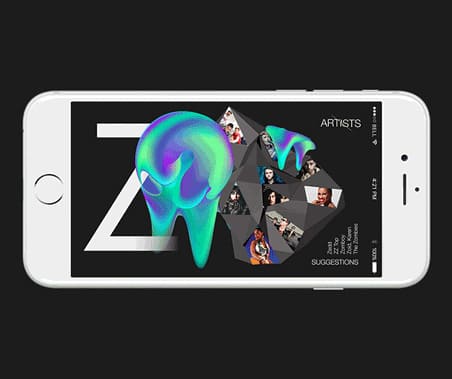
This screen shows the played song with the globules and shape being an audio visualiser and the album artist in the background.
The user can navigate and interact around by using the Air Interact gesture. The player screen responds to sign language at a distance, allowing the user to continue their tasks but still have control of the app. The user just waves at the mobile and proceeds with the relevant sign.
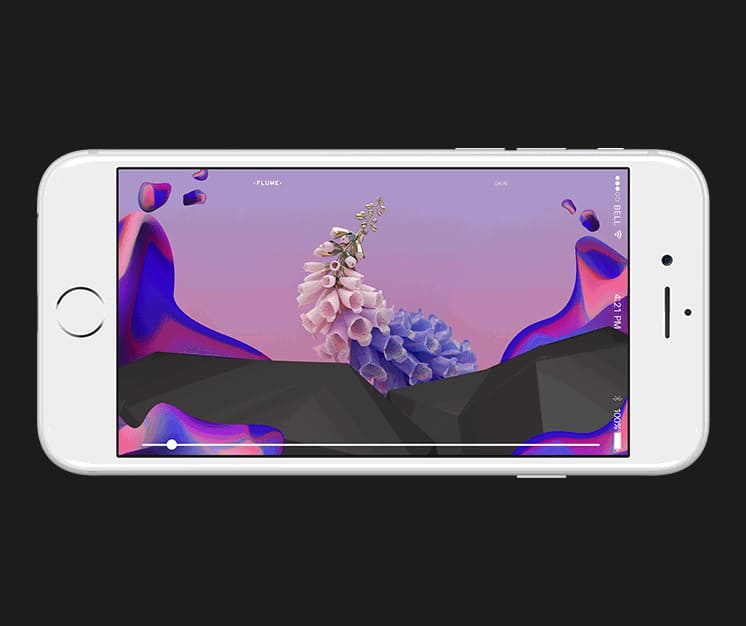

This is the full conceptualisation of the app, adhering to the look and feel of Apple. The video is text driven as oppposed to a voice over as the target audience are deaf and hard of hearing individuals and this guarantees their full understanding of the app.